Redeploying Web Apps without changing the URL in the new Google Apps Script IDE

Redeploying Web Apps without Changing URL of Web Apps for new IDE

A ‘feature’ of the new Google Apps Script editor is managing your script project the deployments. A issue some developers are encountering when updating the published version of their web app is the published url changes. In this gist Kanshi Tanaike describes the problem and highlights how developers can update their published Web App without changing the URL.

Source: Redeploying Web Apps without Changing URL of Web Apps for new IDE

Apps script library with plugins for multiple backend cache platforms – Desktop Liberation

This library used to be part of my cUseful collection, but I’ve decided to pull out into a library in it’s own right. The idea is not only to be able to squeeze more into cache by compression, but also to spread across multiple cache entries. In addition, through the use of plugins, it also allows multiple backend cache stores, all accessed the same way, with the option of creating additional ones. This abstraction allows you to switch platforms as you outgrow them without any main code changes.

Source: Apps script library with plugins for multiple backend cache platforms – Desktop Liberation

How to programmatically schedule weekly time triggers between two dates in Google Apps Script – Yagisanatode

A tool to schedule weekly time triggers between two dates in Google Apps Script. Grab the code and ready the quick-use guide or stick around for a deep dive.

Nice solution from Scott Donald to setup timed triggers for a fixed period so you don’t have to worry about manually adding/removing.

Source: How to programmatically schedule weekly time triggers between two dates in Google Apps Script – Yagisanatode

Google Developers Blog: Evolving Google Workspace Add-ons with Alternate Runtimes

Today we are pleased to announce that building Google Workspace Add-ons has evolved once again, this time to offer developers an alternative to using Apps Script for building add-ons with the general availability of Alternate Runtimes for Google Workspace Add-ons.

While Alternate Runtimes enables the same functionality that Apps Script does for building add-ons, the flexibility and the freedom to choose your dev environment plus the opportunity to decouple from Apps Script will likely yield greater developer productivity and performance gains for future projects. This commonly requested feature by Google Workspace solution developers has finally become a reality.

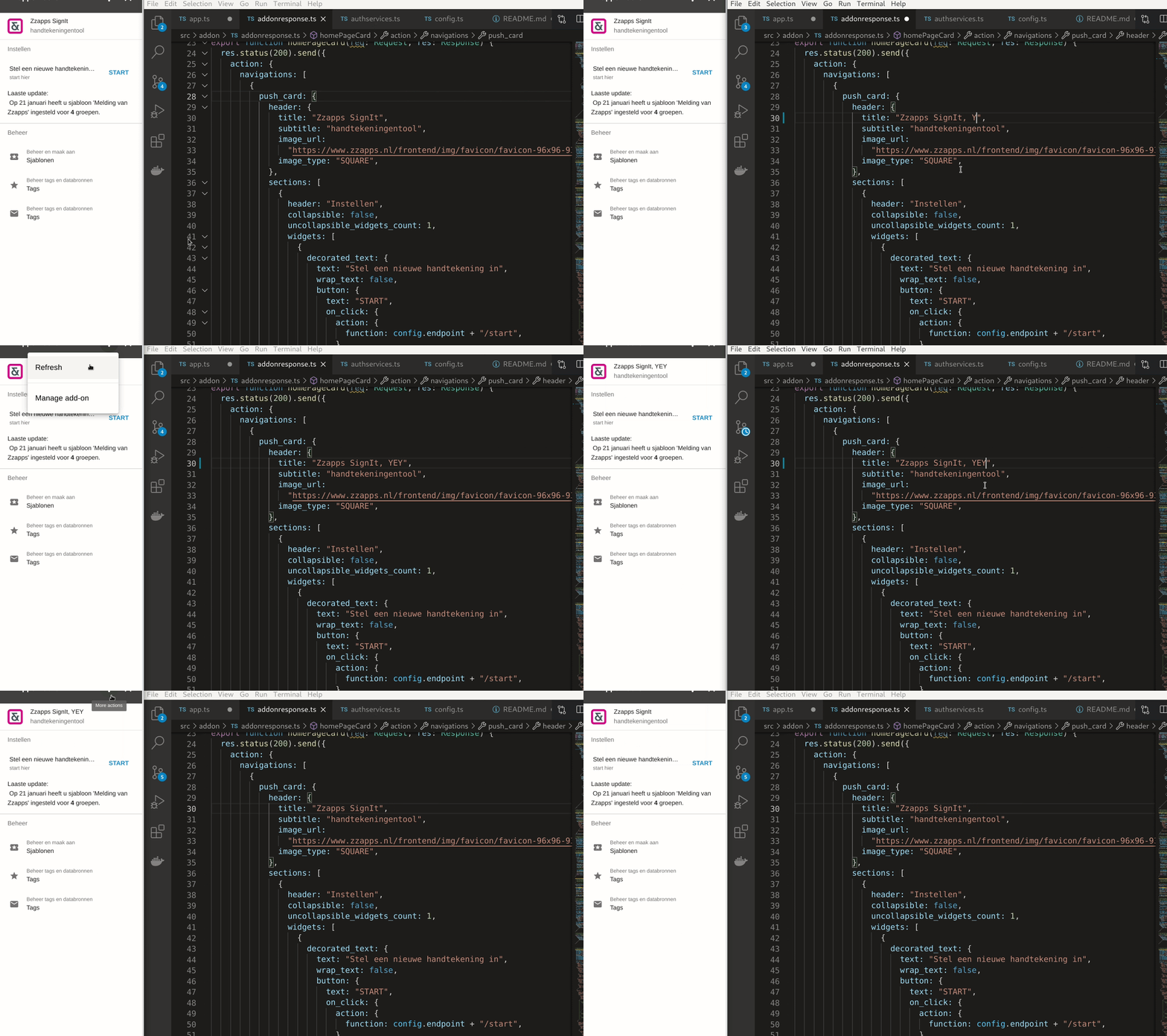
As part of this post there is an example from Riël Notermans, owner of Zzapps (and Google Developer Expert), highlighting some key takeaways on Alternate Runtimes development and deployment.

Source: Evolving Google Workspace Add-ons with Alternate Runtimes

Create membership expiration in Google Groups for Google Workspace

Manage Google Groups membership expiration with Google Apps Script and Cloud Identity API

As noted by Stéphane Giron Google Group member expiration is not available on all types of Google Workspace accounts, but this post is a useful reminder of what is now possible when it is. The most includes a full explanation and code to get started.

Source: Create membership expiration in Google Groups for Google Workspace

YouTube Email Alerts – Monitor Videos around your favorite Topics [using Google Apps Script] – Digital Inspiration

Learn how to setup email alerts for YouTube videos and get daily automatically notification when new videos are uploaded that match your search topics.

Very slick example from Amit Agarwal and for the more advanced Google Apps Script developer well worth checking out the source code to see how Amit handles setting up and managing script triggers.

Source: YouTube Email Alerts – Monitor Videos around your favorite Topics – Digital Inspiration

Using Design Patterns in Google Apps Script – Introduction to façade and proxy patterns

A lot of users try and quickly learn GAS and use it to make their lives easier. It’s all great, however the code we sometimes tend to come across on StackOverflow and other sites lacks best practices, hence I thought it was time to start bringing them up and I will start today with design patterns.

As noted by the post author Dmitry Kostyuk the Google Apps Script V8 runtime opens up many new coding opportunities previously not available to Apps Script developers. Using the common use case, fetching data and writing it to a Google Sheet, Dmitry explains how the façade and proxy code patterns can be used to write efficient easy-to-read code.

Source: Using Design Patterns in Google Apps Script

Help! My time triggers are not in sync! : How to update your Google Apps Script project time zone. – Yagisanatode

If you have made it to this post you are probably a little frustrates about why your Google Apps Script time triggers are not running on or around the times that you have designated … To cut to the chase, the likely cause of clock triggers not running in the time range that you have selected is that the time zone in your Google Apps Script project is out.

Scott ‘Yagi’ Donald provides some very useful tips on how you can check and adjust your Apps Script project’s timezone.

Source: Help! My time triggers are not in sync! : How to update your Google Apps Script project time zone. – Yagisanatode

Creating a Google Chatbot connected to SAP Graph API

You know that idea you always keep at the bottom of your backlog for that elusive day you’ll find enough time to address? For me, it’s the possibility to connect a chatbot to an SAP system.

Julien Delvat shares how you can connect the SAP Graph API to Google Chat with Google Apps Script. The post provides details of the entire development and deployment process with useful tips on how you can extend the project.

Source: Creating a Google Chatbot connected to SAP Graph API

🎂 Happy anniversary Google add-ons! 🎂 Long live MERGO the new mail merge add-on from @romain_vialard

Ain’t no party like a mail merge party and Romain Vialard knows how to celebrate!