Create a seat booking form with Google Forms, Google Sheets and Google Apps Script – Yagisanatode

In this tutorial, Yagisanatode (@LifeOfSpy) is going to build a simple seat booking Google Form that will contain a registeree’s name and the session that they wish to attend. Each time a registeree submits a request to book a seat for a session, that seat is taken from the list displaying only the remaining seats for that session for when the next user submits the form.

Source: Create a seat booking form with Google Forms, Google Sheets and Google Apps Script – Yagisanatode

How to design advanced Google App Maker apps with BigQuery API, Google Groups, Google Data Studio and Cloud SQL

Where should I store my data? Should I sync Cloud SQL and Big Query? How to publish my app,… Read on Jérémy Dessalines’s (@Gr3m) thoughts on working with App Maker.

Source: How to design advanced Google App Maker apps with BigQuery API, Google Groups, Google Data Studio and Cloud SQL

Send automatic FYI emails for Meeting Action Items

Now you can get the Action Items (AIs) delivered right to your inbox! Joanna Smith’s (@dontmesswithjo) custom solution to integrate Google Docs with Apps Script allows you to send everyone a personalized list of their AIs at the end of every meeting.

Source: Send automatic FYI emails for Meeting Action Items

Amazon Price Tracker – Monitor Price Drops on Amazon with Google Sheets

Learn how to use a Google Sheet to track product prices on Amazon shopping websites and get email alerts when the prices go down or up.

Always interesting to see the projects Amit Agarwal comes up with. This post includes a link to the free version of the Google Sheet.

Source: Amazon Price Tracker – Monitor Price Drops on Amazon with Google Sheets

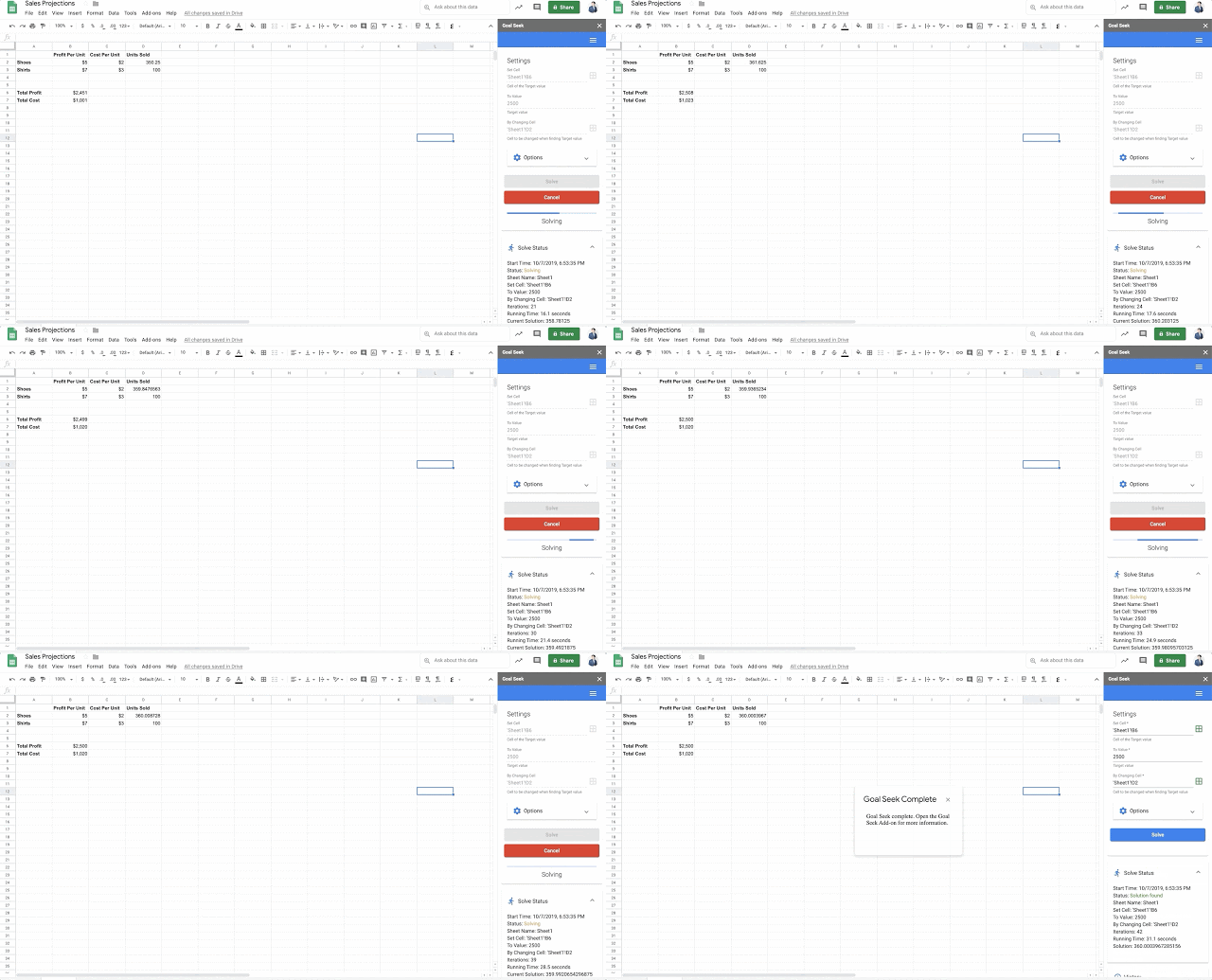
G Suite Updates Blog: Goal Seek add-on now available for Google Sheets

You can use the Goal Seek add-on to calculate the required value of a cell to achieve a desired value in another cell. This is particularly useful when conducting break-even analysis or sensitivity calculations, like determining how changing one value affects other correlated values in your sheet.

Interesting to see Google extending the functionality of Google Sheets with this official add-on

Source: G Suite Updates Blog: Goal Seek add-on now available for Google Sheets

How to backup Google Photos to Google Drive automatically after July 2019 with Apps Script

Easy to configure apps script to continue backing up your Google Photos to Google Drive after the July 2019 change. You just need to change two lines of the script to get this running with your Google Photos account.

Source: How to backup Google Photos to Google Drive automatically after July 2019 with Apps Script

Create a Branching Google Form – Teacher Tech

Alice Keeler’s architecture on designing your Google Forms to provide immediate feedback by utilizing branching options is fascinating and efficient.

Create multiple sections in your Form and add only one question per section that determines which section to jump to next. Answer correctly and the branching should take the student to the next question. Answer incorrectly and be taken to a section with a tutorial or hint and a chance to answer a new question.

Source: Fast: Create a Branching Google Form – Teacher Tech