Are the benefits of automation worth the overhead of setting things…

Image credit: Brightec

Why setting up automation is always worth it

As developers, we often find ourselves weighing up the benefits of automation against the overhead of setting things up. This is true for our personal workflows as well – I often have an idea of how I could automate various arduous tasks, but in reality, it’s difficult to justify doing so.

I ended up going with my gut on this one, and built a ‘calendar sync tool’ that automates the process. It turned out to be 100% worth it – and in this article, I’m going to argue that it’s always worth automating!

This post from Jonny Townend at Brightec is a two-for-one both highlighting the benefits of taking the time to automate workflows and as a bonus sharing a Google Apps Script powered Google Calendar sync tool.

Source: Are the benefits of automation worth the overhead of setting things…

Promote your Google Workspace Marketplace apps with the new badge for developers

Continuing with updates to further improve the developer experience, we are excited to announce Google Workspace Marketplace badges. The new badges will allow developers to promote their published Google Workspace Marketplace applications on their own websites. Users will be taken directly to the Marketplace application listing, where they can review application details, privacy policy, terms of service, and more. These users will then be able to securely install applications directly from the Google Workspace Marketplace.

The post from Google contains more information about the benefits of using a promotional badge and how to get on for your Google Workspace Marketplace add-ons.

Source: Promote your Google Workspace Marketplace apps with the new badge for developers

r/GMail – Has anybody here tried to improve Martin Hawksey’s free Mail Merge system? [adding custom attachments to mailing] 

Has anybody here tried to improve Martin Hawksey's free Mail Merge system?
by inGMail

I’m not really a reddit user but this question about adding custom attachments my Google Workspace Solutions Gallery – Mail Merge example landed in my inbox. The solution is, in Google Apps Script tradition, one line of code! The line is:

if(row['Attachment'] != '') emailTemplate.attachments.push(DriveApp.getFileById(row['Attachment']).getBlob());

The logic is:

  1. check if the row value in the column named Attachment 
  2. if true call Drive to open file with attachment id and push to the emailTemplate object.

The line is added just after:

const msgObj = fillInTemplateFromObject_(emailTemplate.message, row);

If you prefer you can also copy this sheet for a working example. To attach different files the Attachment row cell needs to include a Google Drive file id. There are a number of ways you can get Drive file id’s. For example, here is a Getting all files’ file-id from a folder in Google Drive snippet.

If you are interested in more of what is happening in this solution, the emailTemplate object is returned by getGmailTemplateFromDrafts_(). This function gets the Gmail draft message and as well as any attachments including inline images. If you are interested in handling attachments and inline images you can read more in Everything you ever wanted to know about Gmail draft inline images and Google Apps Script but were afraid to ask.

Google Forms API now available in open beta

The Google Forms API is now rolling out as an Open Beta which means developers who are part of our Early Adopter Program can make their integrations available to the public. We’ll no longer require individual end-user accounts to be allowlisted. … Developers can apply to join our Early Adopter Program and begin developing using the Google Forms API by filling out this form.

In other Google Workspace news the new Google Forms API continues it’s journey to general availability with the announcement of the open beta. Just as the other Google Workspace REST APIs can be useful to Google Apps Script developers it’s useful to keep an eye on what is possible in the Forms API.

Source: Google Forms API now available in open beta

Getting started with Google Apps Script – Aryan Irani

Image credit: Aryan Irani

In this course, we will be covering the basics of Google Apps Script and working our way by working with Google Sheets, Google Workspace API’s and more. After working with variables, operators, loops in Google Apps Script, we will be working with Google Sheets, where we will start out by getting and setting values in Google Sheets, followed by doing some amazing projects in Google Sheets and Google Apps Script. After working with Google Sheets, we will work with Google Forms, Google Classroom, YouTube and more.

It’s always pleasing to see new Google Apps Script courses being published. The latest one we’ve spotted has been created by Aryan Irani and hosted on Udemy. We’ve not taken this course but the landing page contains an overview and previews of some of the video content.

Source: Getting started with Google Apps Script – Aryan Irani

[Fixed] Google Apps Script Web App HTML form file-input fields not in blob compatible format

Image by Tumisu from Pixabay

HTML form file-input fields are not converted to compatible blob format when submitted. They are left in application/octet-stream format. The file-input fields are passed as application/octet-stream, so DriveApp.createFile(formBlob) does not work correctly … So the functionality provided by HtmlService is not consistent with the documentation

There was an annoying little Google Apps Script issue which meant when handling file uploads to published Web Apps some additional coding was required rather than just sending the file blob server side. Thankfully the open issue ticket for this has recently been marked and confirmed fixed.

Source: HTML form file-input fields not in blob compatible format

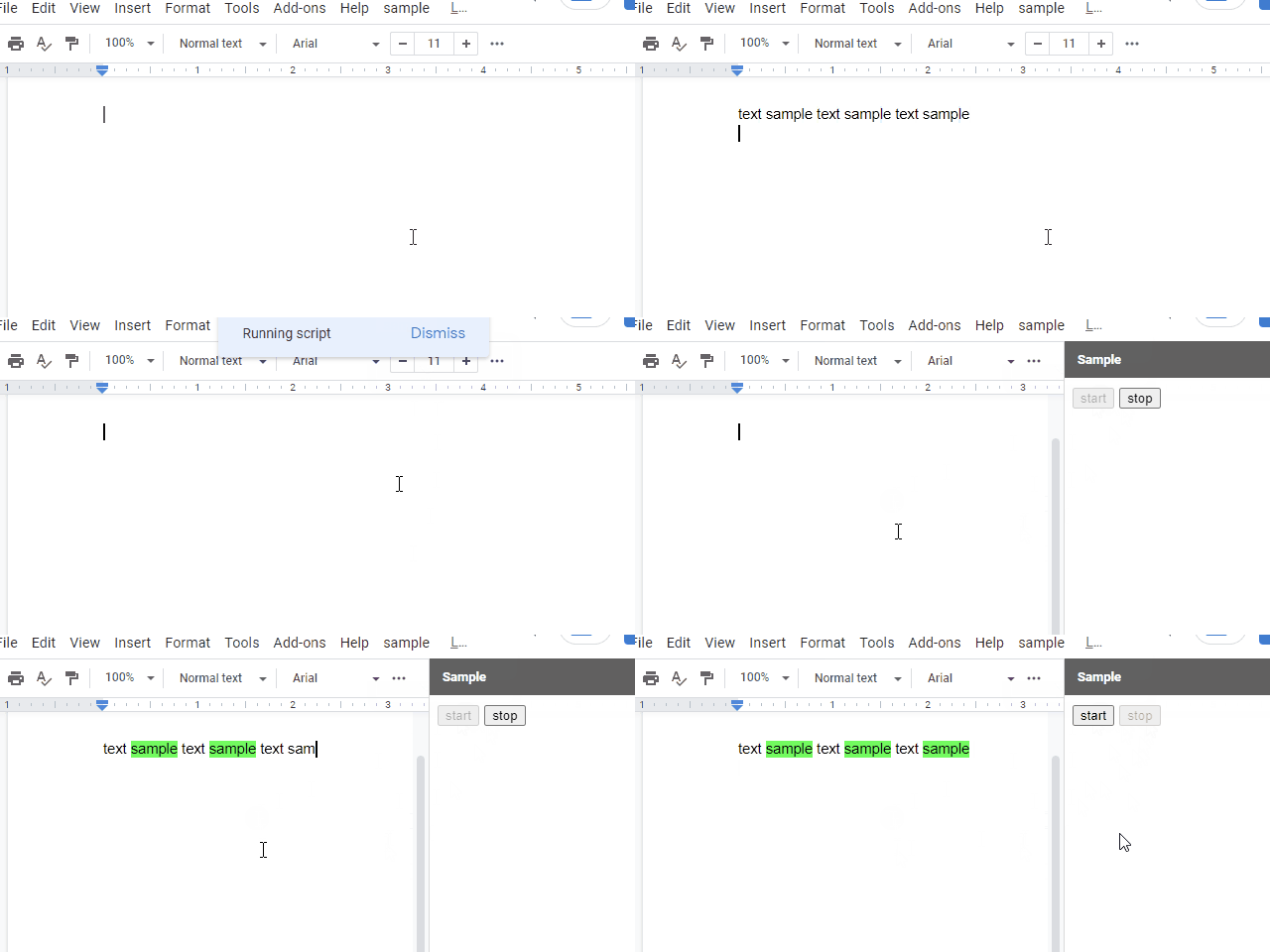
Pseudo OnEdit Trigger for Google Document using Google Apps Script

In the current stage, there is not OnEdit trigger for Google Document. But I sometimes have the case that I want to use OnEdit trigger. So, as the current workaround, I created this sample script. I think that this workaround can be also used for Google Slides, Google Form and also Google Spreadsheet. In the case of Spreadsheet, what the existing OnEdit trigger and the time-driven trigger cannot do can be achieved.

Source: Pseudo OnEdit Trigger for Google Document using Google Apps Script

How to Automatically Add Teachable Students to Google Drive Files and Folders when they Enroll in your Course – Yagisanatode

Learn how to instantly share newly enrolled teachable students to Google Drive files and folders with Google Sheets and Apps Script.

Scott ‘Yagi’ Donald provides a very thorough walk-through of how he has connected a webhook from a third party service to Google Sheets to share specific Google Drive folders and files with named users. This post is well worth a visit as it contains a number of tips and tricks like using Google Forms to follow-up with user email addresses that are not associated with a Google account.

Source: How to Automatically Share Teachable Students to Google Drive Files and Folders when they Enroll in your Course – Yagisanatode

Adding Members to a mailing list using an API, Google Forms and Google Apps Script

Image credit: Baba Funke

I decided to explore something similar to a Webhook for Google Forms. In other words, something that triggers another action when a Google form is submitted. In this case, when a Google form is filled and submitted, the results should be sent to an API endpoint for adding members to a database. I found an answer in Google Apps Script, a coding language based on Javascript which allows for programmatically extending Google Apps like Google Forms, Sheets, Docs etc.

A nice explanation of how triggers can be used in Google Forms to push new data to other systems. The post is easy to read and includes lots of screenshots to help prevent you getting lost.

Source: Adding Members to a mailing list using an API, Google Forms and Google Apps Script

How to Fetch Employee Data from Workday by Building the Great Deku Tree Inside of Google Sheets

They say you only live once, and, with that, you may only once find yourself at a company with a video-game-centric culture. Life at Twitch creates a unique opportunity to bring the magic of gaming to your workday, even when you’re in esoteric corners of the work world such as People Analytics.

Ever wondered how people reporting was handled at Twitch? Max Brawer, Head of People Analytics at Twitch, brings his ‘A’ game outlining how a little Google Apps Script and some Workday API wrangling can be used for some fun reporting. You can read more in the source link and here’s Max’s old post on The Endless Possibilities of Freeing Your Data from Workday and Putting it into Google Sheets: a How-to.

Source: How to Fetch Employee Data from Workday by Building the Great Deku Tree Inside of Google Sheets