The Google Cloud Vision API is a powerful tool that helps developers build apps with visual detection features, including image labelling, face and landmark detection, and optical character recognition (OCR). Getting started building with these services is relatively simple with Apps Script, as it uses simple REST calls to interact with the API directly, eliminating the need to set up SDKs or to download client libraries.
In this post Christian Schalk, Google Cloud Developer Advocate, provides details for setting up a Google Apps Script project with the Google Vision API, using this service to perform optical character recognition on a user selected image.
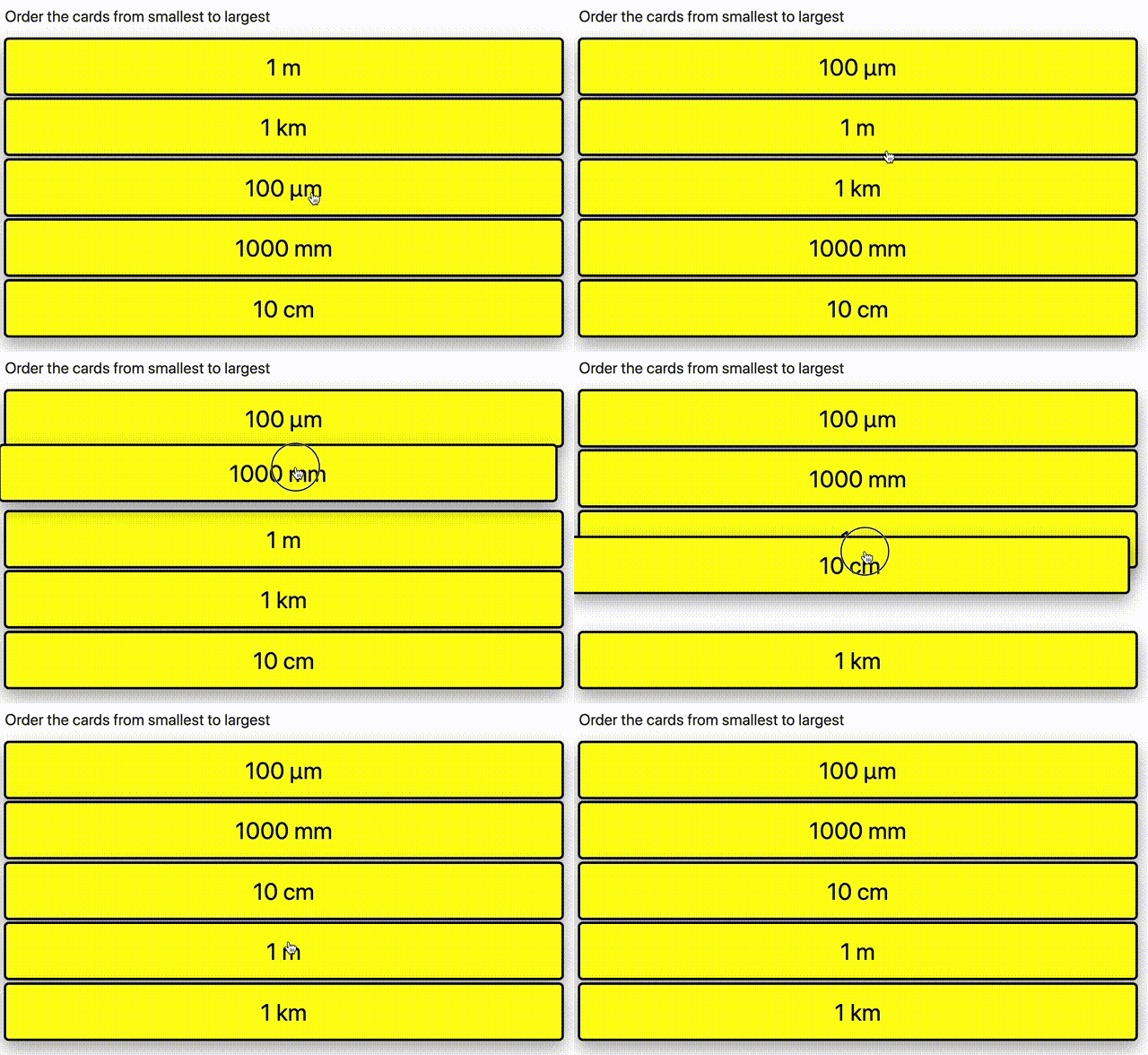
One popular method to get your students to learn is to categorise things or to put them in order. Here, we’re going to look at making a card sorting game, which could be used for both.
As of writing Google App Scripts and functions in the code.gs documents use the V8 Runtime which generally supports ES6 syntax. This wasn’t true historically, and Google Scripts was limited ES5 syntax. This was a significant limitation. You’ll likely still find a lot of tutorials for Google App Scripts using ES5 and related workarounds, keep in mind there may be more modern ways to do the same thing now.
If your teams are using G Suite tools and Airtable, the building blocks to build secure and operational web application prototypes may be closer than you think. This article shows you how to get started and offer tips along the way.
After a while, writing code becomes less about knowing all of the specifics of a language, framework, or platform, but more about being able to match patterns. After seeing a sufficient number of different problems, you get better at saying, “Hey, this bit of problem X seems a lot like this part of problem Y, maybe we could use that.”
In this post, learn about the Delegation Pattern that describes an object whose role it is to accept requests, delegate those responses to other objects, then return the responses to the original caller.
In our foreign language classes, one of the classic activities we do to help students learn new language, is to print phrases onto card, then cut the cards up. We then write the answers on the back of the cards. They then place the cards on a desk and then go through the cards one by one, trying to remember the correct answer.
Here we’re going to make a simple ladder card game using Apps Script and Google Sheets.
make use of firebase’s pre-built ui to authenticate users on our google apps script web app
Sometimes with Google Apps Script web apps you need a way to authenticate the user whilst also publishing the web app to run under a specific account. Sourabh Choraria details how Firebase can be setup allowing you to authenticate users with their Google account.
Make your own YouTube uploader form and let anyone upload videos of any size to your YouTube channel. The uploader can send videos even anonymously without a Google account.
It is easy to upload videos to your own YouTube channel but there’s one limitation. Only the owner of the channel can upload videos to their YouTube account and they cannot delegate the task to someone else in the team.
Google Drive has the concept of shared folders. A folder can have multiple collaborators and anyone can upload files to that folder. Wouldn’t it be useful if such a feature were available for YouTube channels as well? You maintain a single YouTube account and multiple people can upload videos to your common account without the owner having to share their Google account credentials with anyone.
If you use G Suite for Education or Business and have five minutes to spare then you’ve got everything you need to make a web-based paging system for FREE.
In essence, it’s a doorbell. But one that can reach you wherever you are.
In this article the author elaborates on how to create a basic interface using a standalone Apps Script (based on JavaScript and HTML) in order to collect phone numbers on your website, email signature, or wherever you can embed a URL of this web app and have the phone numbers input, delivered to your Google Sheet.