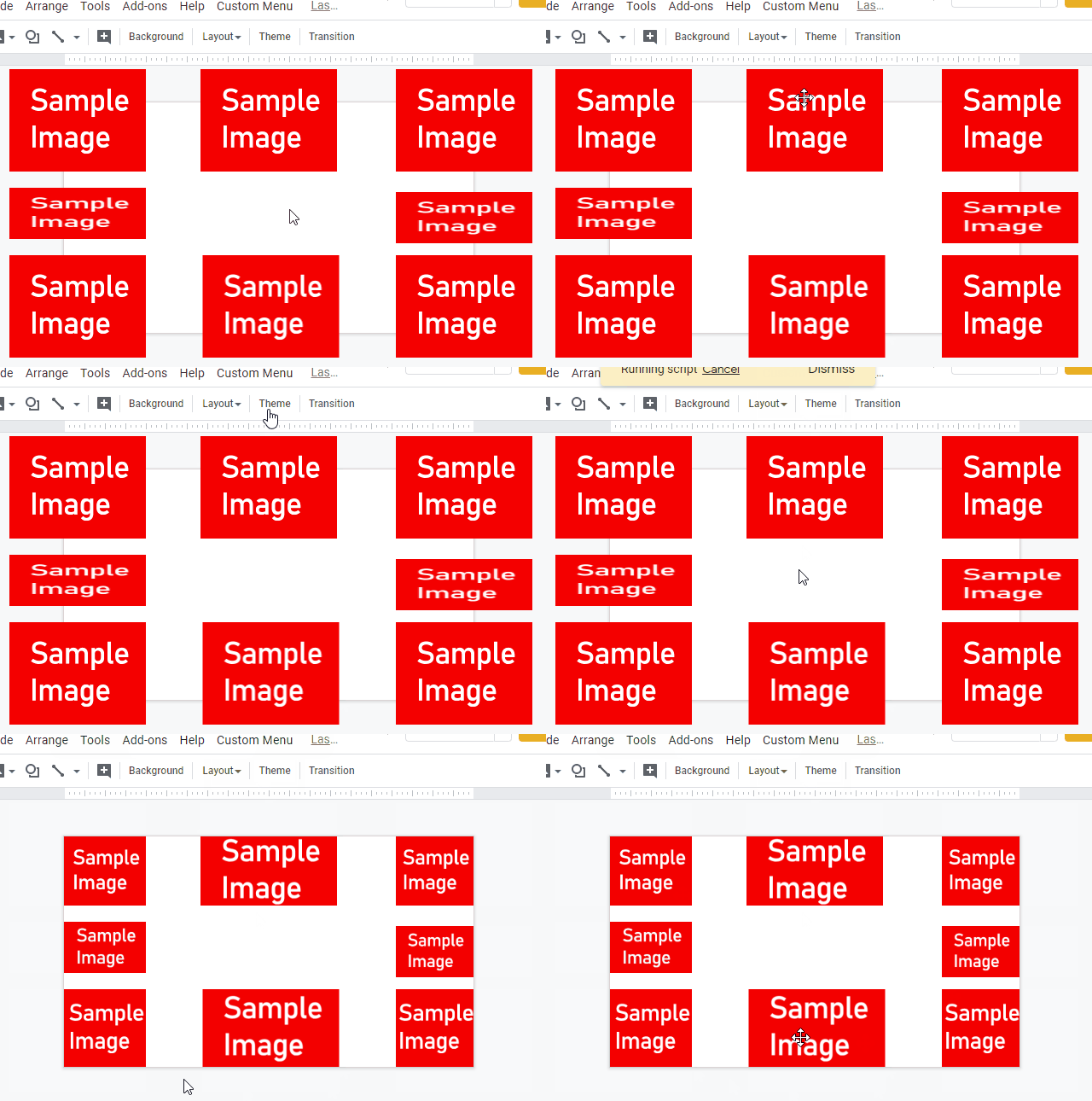
Pen-based Interaction with Google Sheets in Mobile Virtual Reality

I’m sure for many pro Google Sheets users when you look at a Google Sheet what you see on screen is different for what you ‘see’ in your mind. Researchers from Coburg University, Microsoft Research and the University of Cambridge have potentially bridged this gap showing what Google Sheets can look like virtual reality (VR).

Whilst the video embedded above is not explicitly about Google Apps Script, I think it’s always worth keeping an eye on the horizon to see what the future might bring (you might want to skip through to 05:12 to see what I mean). You can also read the full research paper, in which the researchers explain how they used the Google Sheets API to build the experimental interface in the Unity game engine.

For Google Apps Script developers I’m sure you’ll be able to see how this solution could also benefited from the built-in SpreadsheetApp methods like getCurrentCell() and activate(), rather than using the the Sheet API, which reported as a limitation that haas reported in the research paper:

Since the Google Sheets API exposes no functionality to track client-side interactions, operations of users with the web page were tracked inside Unity. In particular, tracking of cell selection was implemented by constructing virtual-cells in the Unity space using oriented bounding boxes, and spatially position them in their corresponding places to fit the spreadsheet texture. Tracking of the pen and the Unity collision detection mechanism is used to detect whether the pen tip lies inside a certain cell.

Gesslein et al. (2020)
How to build a Google Analytics Dashboard with Apps Script and Google Sites – Sheets to Apps

Using Google Analytics and looking for a new way to aggregate, store, and efficiently organize the data from your website in a Google Sheet? In this episode of Sheets to Apps, we show you how to combine the Google Analytics add-on with Apps Script, resulting in the automation of cohesive data summaries that are compatible with Google Sites.

In this latest episode Alexandrina Garcia-Verdin demonstrates how the Google Analytics Add-on can be combined with macros to automate regular reporting. The video description has links to all the resources you need to set this up.

Whilst ‘Sheets to Apps’ videos are targeted at low/no coders as an Apps Script Developer I always find it useful to have a look at the code to see how it is done, as more often than not there will be a technique or method I’ve not come across. In the case of this example my new discovery was the .autoFill() and after browsing the documentation, .autoFillToNeighbor() methods in SpreadsheetApp. These methods allow you to replicate the auto-fill functionality users have in Google Sheets.

Another discovery was the various .setOption() calls when building the charts. I’ve used .setOption() in projects in the past and the issue I’ve had is navigating the long list of options you can use for various chart types. Using the macro recorder seems like a great way to capture all the options you want to add to your script project.

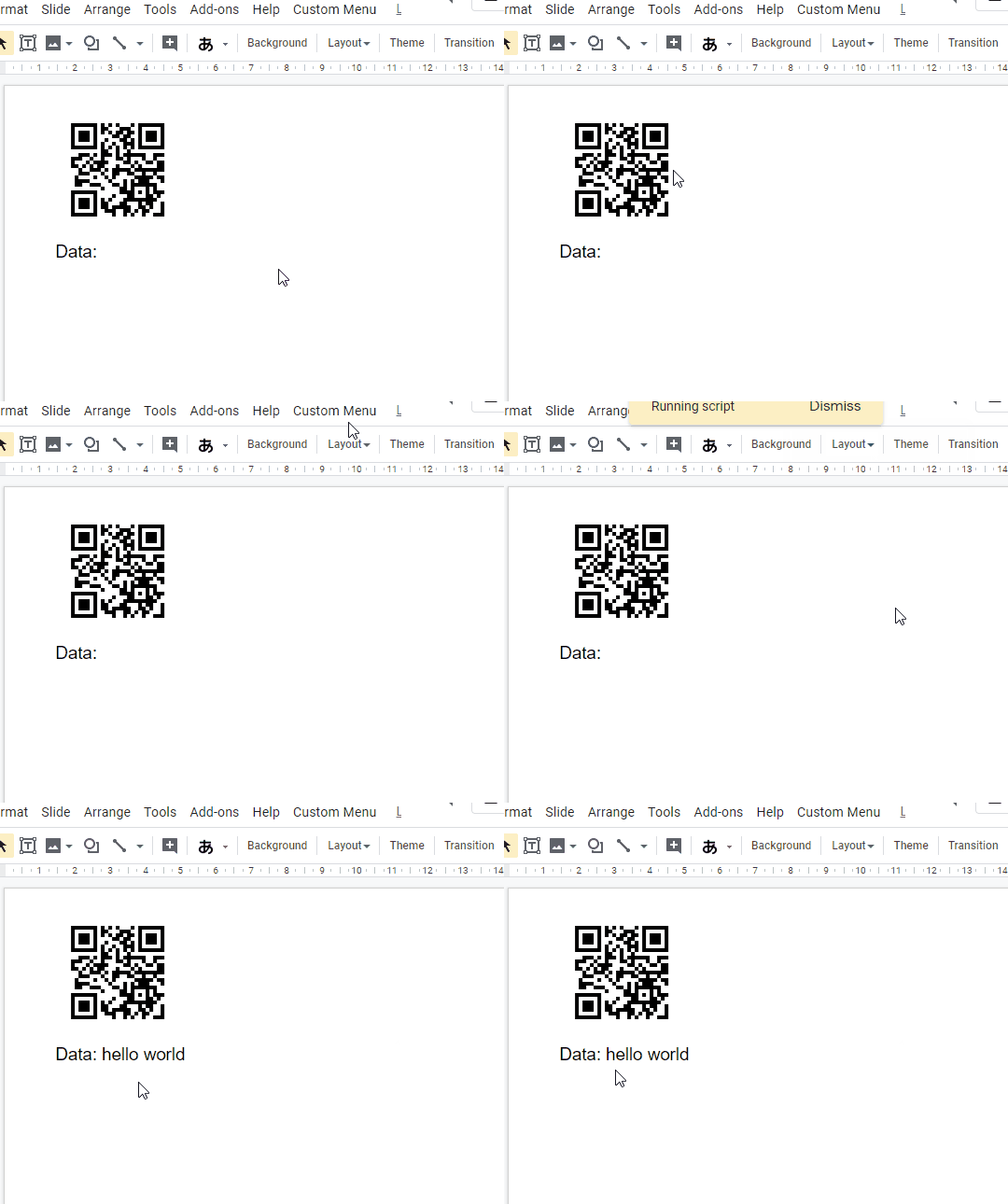
Retrieving Data from QR code on Google Slides using Google Apps Script · tanaike

This is a sample script for decoding a QR code put in Google Slides using Google Apps Script. In this case, Javascript is used at the opened dialog. And Canvas API and jsQR are used.

This is a nice example of how you can easily drop in existing JavaScript libraries into your Apps Script project by using a HTML dialog. The post also has some nice tricks for handing image data, in particular, from getDataFromQRCode() the image data is passed into the HtmlService:

const html = HtmlService.createTemplateFromFile("index");
html.image = JSON.stringify(blob.getBytes()); // adding image data
SlidesApp.getUi().showModalDialog(html.evaluate(), "sample");

This is added in client side with a printing scriptlet:

image.src = `data:image/png;base64,${btoa(String.fromCharCode(...new Uint8Array(Int8Array.of(...JSON.parse(<?= image ?>)).buffer)))}`; 

Another way you could achieve this is base64 encoding the image server side with Utilities.base64Encode().

Source: Retrieving Data from QR code on Google Slides using Google Apps Script · tanaike

Cropping Images in Google Slides using Google Apps Script

This is a sample script for cropping images in the Google Slides using Google Apps Script.

Useful snippet from Tanaike which shows how you can crop images in Google Slides by using the replace(blobSource, crop) method. The  post also highlights a limitation with the image manipulation methods available around crop centering.

Source: Cropping Images in Google Slides using Google Apps Script · tanaike

Introducing Zapier’s new Gmail add-on

Image: Zapier
Image: Zapier

This add-on makes it easy to move high-value emails into your other apps with just a click, without ever leaving Gmail.

You can use the add-on to create customized one-click workflows that give you seamless productivity—by moving important messages out of a private inbox and into a shared tool like Slack, for example, or by routing emails to apps like Asana to streamline your project management.

Following on from our recent repost of Zapier’s Google Sheets app of the day, Zapier are continuing their love of Google Apps Script with a new Gmail Add-on. The source code for this add-on is proprietary but again useful to see firms investing in G Suite solutions for the marketplace.

Source: Introducing Zapier’s new Gmail add-on – Updates | Zapier

QUnit2GS is a Google Apps Script Library that allows Apps Script projects to be tested using QUnit

QUnit2GS is a Google Apps Script Library that allows Apps Script projects to be tested using the QUnit JavaScript testing framework – qunitjs.com. Just add this library to your project and start writing tests in just a few minutes.

Created by Andrew Roberts and Alejo Grigera Sutro this library will make it easier to adopt test-driven development with your Google Apps Script projects. The site is worth an explore to see what is possible…

Source: Home | QUnitGS2

How To Create An Android App That Posts Pictures to Google Sheets with Google Apps Script

I used the MIT App Inventor site to create an Android app that…
  • Uses the camera to take a picture and saves it to the device’s gallery
  • Let’s you select a picture from the gallery
  • The image is converted into base64 and uploaded to a web app
  • Additionally, it also sends rotation and lat/lng coordinates and lets you add a textual comment as well.
This Android app sends it to an Apps Script web application inside a Google Spreadsheet

Nice fun project from Tom Smith that use MIT App Inventor to create an Android app that is able to send data to a Google Sheet. Check out the source link for all the code you need.

Source: How To Create An Android App That Posts Pictures To Google Sheets

Google Sheets: Zapier app of the day

Need your spreadsheet to do a specialized task, such as detecting and deleting duplicate rows automatically? You can build and publish custom add-ons with the Google Apps Script to take your spreadsheets to the next level. Don’t know code? Browse the Google Sheets add-on store to see what features others have built.

Always nice to see other organisations highlight Google Apps Script.

Source: Google Sheets: Zapier app of the day

Build A Lookup Table Generator For Google Tag Manager with Google Sheets and Apps Script

The purpose of the Lookup Table generator is to automate the often tedious task of adding many, many rows to a Lookup Table within the Google Tag Manager UI. There are other solutions for this, but none (as far as I know) that uses the Google Tag Manager API.

Within the Google Apps Script community there is a strong representation from those working in analytics and SEO. Simo Ahava has shared a comprehensive tutorial which shows how you can interact with the Google Tag Manager API in Google Sheets. Click through to the source for more details and all the code you need.

Source: Build A Lookup Table Generator For Google Tag Manager | Simo Ahava’s blog

Send Tweets from Google Sheets using a Google Apps Script

In this post, you will learn how to send automated tweets from Google Sheets to Twitter using Google Apps Script.

This post includes everything you need to get started sending tweets for Google Sheets. This tutorial uses the community contributed Twitterlib library from Bradley Momberger, which has some implemented methods for sending and fetching tweets.

Source: Send Tweets from Google Sheets using a Google Apps Script