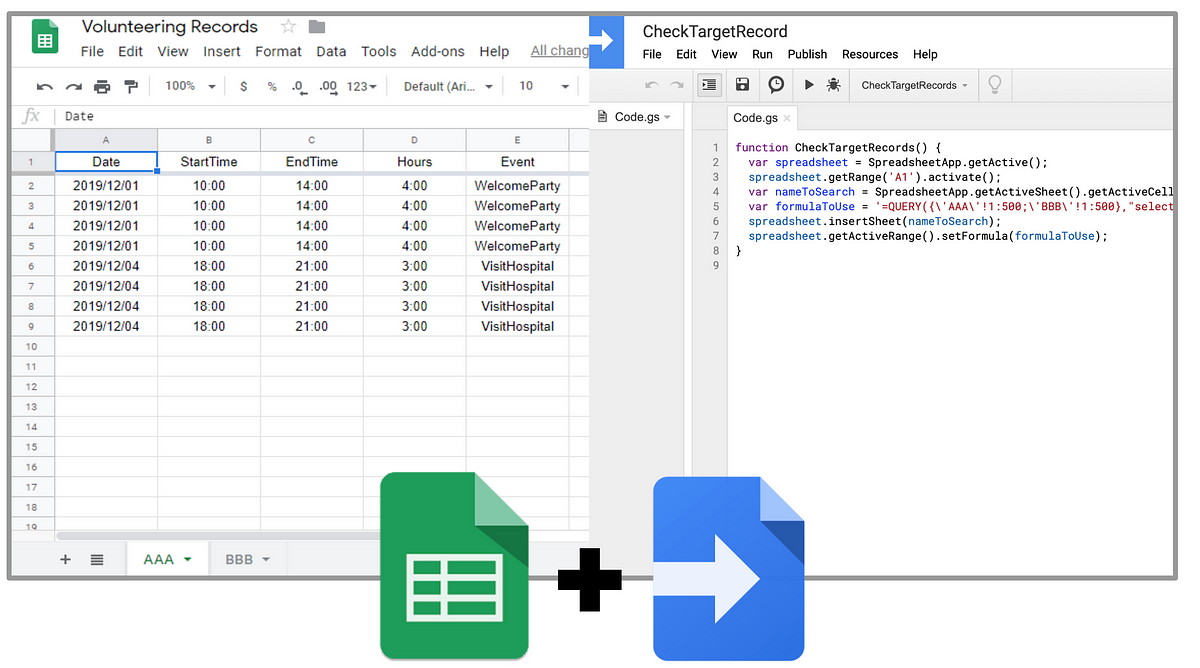
Everyone has their own superpowers. Whether you’re an Data Analyst, Data Scientist, Task Automater, or Programmer, you can use G Suite to support these talents. In this video, we’ll go over what tools you can use to support these different talents.
This course requires a rudimentary understanding of very basic Javascript concepts and of what an array is. Nevertheless, if you want to come in blind you should be able to pick things up with a bit of Googling.
One of the major regular tasks that Google Apps Scripts can do for Google Sheets is to automate the transformation of data from one state to another.
Sometimes this task can simply be accomplished by building dynamic templates using the vast functionality of Google Sheets. Other times automation via Google Apps Script is a better tool for the job.
Some of the most valuable insights come from free-form user feedback, but text data can be difficult to process and summarize in a scalable way. In this episode of Sheets to Apps, Alicia Williams shows you how to use Cloud Natural Language to analyze and interpret free-form text, directly in Google Sheets!
A standalone function that you could include in your scripting projects to help determine which user ran a script and what actions it has performed. It is designed to output the information into a Google sheet – Date/Time, User, Action.
Speaking at conferences can be hard. This tutorial aims to help you better manage the “administrative” of submitting to calls for proposals (CFPs) and speaking at conferences.
Get this single small script that does everything Zapier does and more.
Create a PDF version of a Google Doc, move it into a new folder, remove its parents so it only exists in the new folder (typically also exists in My Drive) and then trash the Doc.
After answering 100’s of Google Apps Script questions, I realized how many projects people are working on that start with a Google Spreadsheet as a base. A lot of my existing examples involve using a Google Form to trigger scripts that do things to data being written to a spreadsheet, so I typically have to describe what to do using quick code snippets or links to other docs.
In this post, we look at the easiest way to retrieve all of the rows of data from a Google Spreadsheet using Google Apps Script.
Password managers have become an inevitable part of our online lives. The only way not to reuse a password is to use a password manager. Sharing over LastPass needs the user to know the other person’s email address and the receiving person need to have a LastPass account and have it installed. While I am a strong advocate of using password managers, I understand that everyone in a team might not be comfortable in doing so.
If we can use a shared secret to encrypt the password and save the encrypted text in the sheet, anyone who is looking for that password can just decrypt it using the shared secret. But everyone need to have the encrypt-decrypt tools installed. This takes us back to the original problem – everyone need to have the password manager installed. What if we could do this in Google Sheets itself?
Here is how I learned to do some scripts to (a) use the WordPress API to dynamically populate some cells in a Google Spreadsheet; and (b) how to script a way to use these results to dynamically update text and menus in Google Forms.
A very comprehensive writeup of integrating Google Forms/Sheets and WordPress with Google Apps Script.