In the previous post in the Google Apps Script Pattern series we looked at selectively updating rows of data in a Google Sheet. For this post we will look at a couple of patterns for inserting multiple rows of data into Google Sheets.
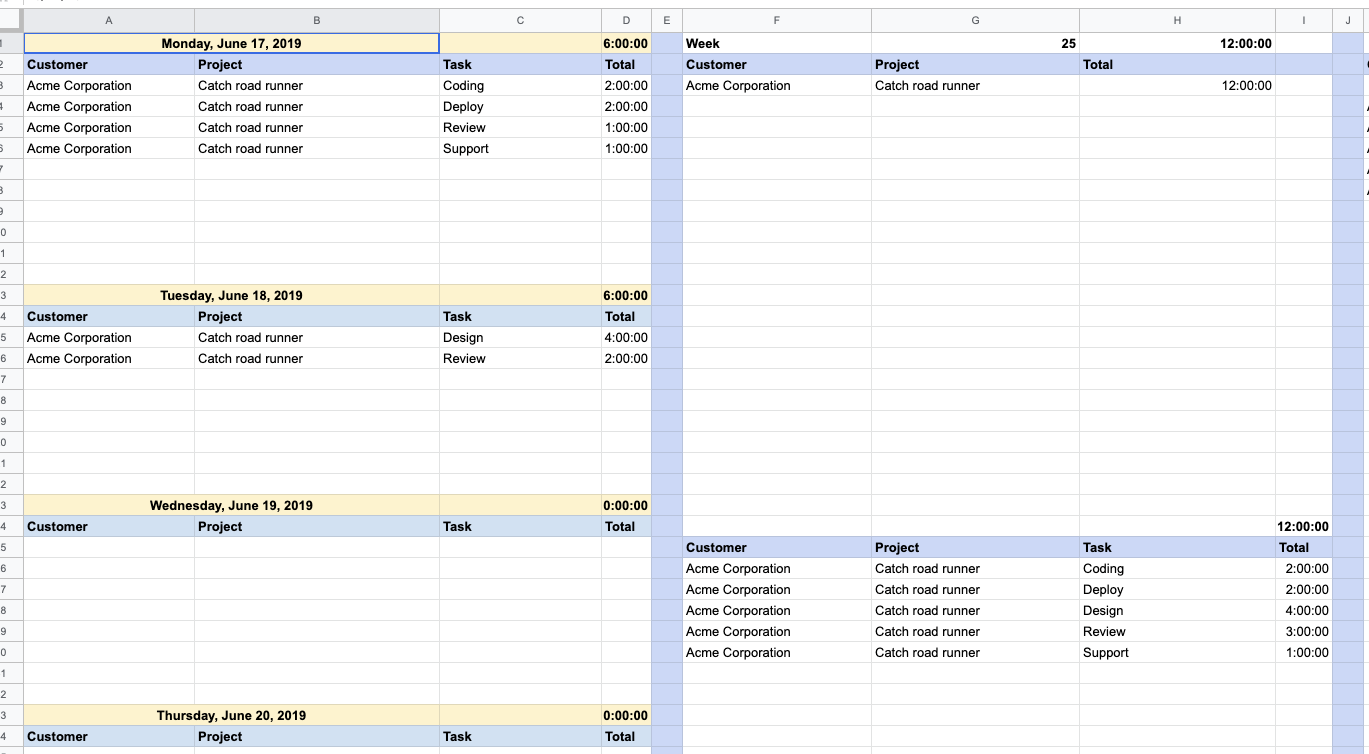
Jasper Duizendstra demonstrates how with a little bit of Google Apps Script you can easily use your Google Calendar to keep a record of how much time you spend on tasks and then query/report this via Google Sheets. The post contains instructions and code for getting started
Custom functions have been in Google Apps Script since it’s public launch in 2009. These let you extend Google Sheets function list allowing you to create and share your own spreadsheet formula. This post provides some guidance on writing custom Google Sheet functions that can handle both single and range inputs
Since I work from home, most of my daily work interactions happen through Slack. It’s my equivalent to the water cooler. A place to hang out and discuss ideas with friends. I’m part of a book recommendations channel. People share books all the time, but they disappear quickly, lost in a sea of messages. I […]


Since I work from home, most of my daily work interactions happen through Slack. It’s my equivalent to the water cooler. A place to hang out and discuss ideas with friends. I’m part of a book recommendations channel. People share books all the time, but they disappear quickly, lost in a sea of messages. I […]